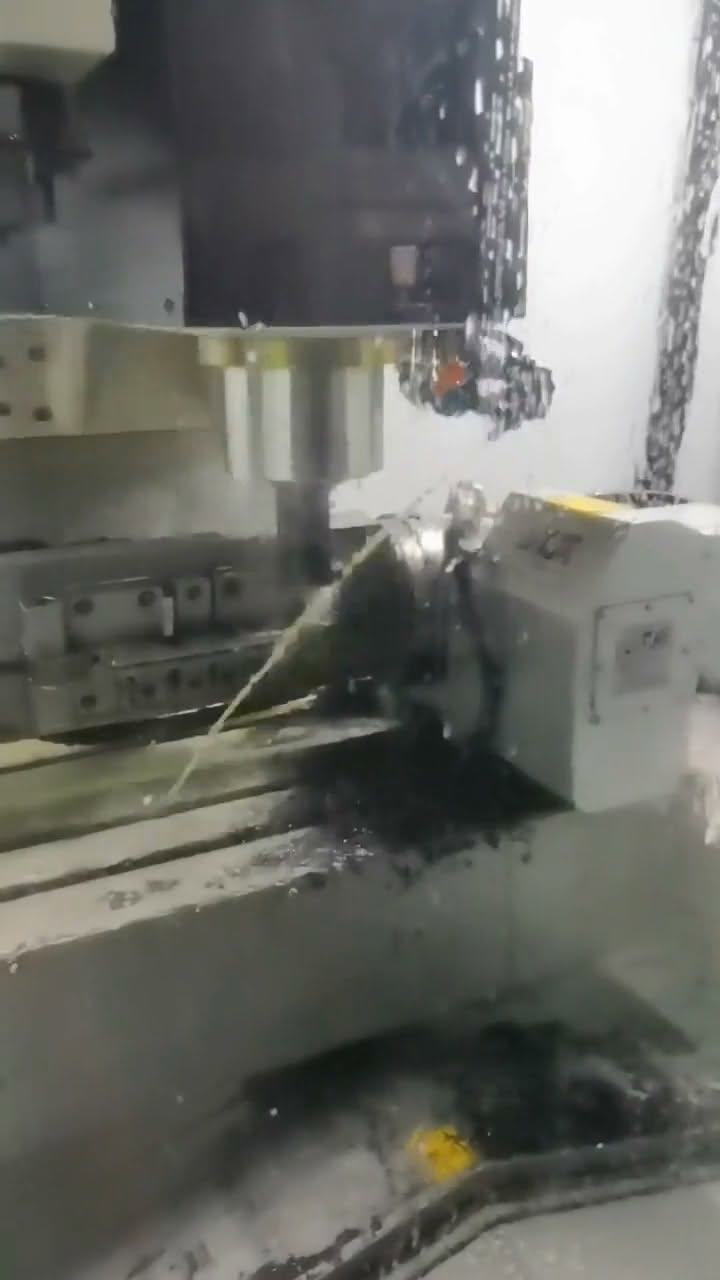
Jig and fixture components
Custom Jig and Fixture Components Machined to Drawing
Source custom fixture plates, jig plates, locating blocks, support blocks, clamp blocks, risers, nests and related workholding components from controlled drawings. Sendot reviews each part's datum role, mating relationships, material, quantity and inspection needs before confirming a machining route. Individual locating-pin and fixture-block keywords remain sections here so buyers reach one complete commercial page instead of a set of thin catalog-like pages.
- Fixture components grouped by datum and function
- CNC milling and turning routes reviewed by geometry
- Prototype, validation and repeat-order release planning
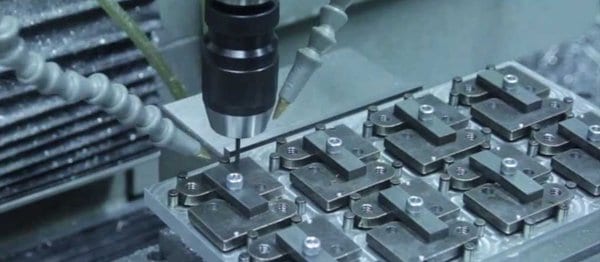
Direct answer
What should buyers specify for custom jig and fixture components?
Specify each component's function in the locating, supporting or clamping system; provide controlled CAD and drawings; define datums, hole and pin relationships, material, quantity and validation criteria. The fixture assembly works only when its component interfaces and acceptance method are reviewed together.
Component families
What buyers can group into one drawing-based sourcing page
The following parts share one procurement intent: manufacture a drawing-controlled workholding or checking assembly and its replaceable components.
Fixture base plates and jig plates
Foundation plates defined by mounting patterns, reference holes, pockets, slots and interfaces to the machine or station.
Locating pins and guide pins
Custom cylindrical locating or guiding elements whose material, fit, geometry and mating feature must be stated on the drawing.
Locating and fixture blocks
Blocks that establish part position, stops or local reference surfaces within a fixture assembly.
Support blocks and rest pads
Components that support a workpiece near functional or machining-load areas according to the fixture design.
Clamping blocks and risers
Custom clamping interfaces, height elements and structural supports made for the planned loading and access route.
Fixture nests and bushings
Shape-matched nests and drawing-defined guide or wear components that require clear interface and replacement requirements.
Manufacturing route
Match geometry, revision and order stage to the machining plan
A fixture component quote starts with the assembly function, not an isolated part name. The component route may use CNC milling or turning, with 5-axis access evaluated where relevant to the geometry.
Define the operation
Provide the workpiece, machine or station context, loading direction and intended fixture function.
Establish references
Map primary datums, locating points, supports, clamp-safe areas and tool or probe clearance.
Release components
Control every plate, pin, block, bushing and replaceable item by part number and revision.
Validate and maintain
Agree how the fixture and first parts are accepted, then control changes across repeat orders.
Materials and finishes
Specify the material condition and finish with the released files
Select material and condition according to stiffness, wear, corrosion, weight, finish and service requirements defined by the buyer. Do not infer heat treatment, coating or hardness from the generic component name.
Use the site's metal machining, plastic machining and parts finishing routes to define the relevant manufacturing context.
Tolerance and inspection
Control critical interfaces on the drawing
The drawing should define the relationships that matter: plate references, hole patterns, locating features, pin fits, working surfaces and assembly interfaces. The requested verification method and records should be included before quotation.
Send the datum scheme, critical characteristics and requested records with the RFQ. The quality assurance page explains how inspection requirements are scoped for an order.
Buyer decision table
Prototype release vs pilot release vs repeat low-volume release
| Decision | Prototype | Pilot | Repeat low volume |
|---|---|---|---|
| Design status | Learning revision; changes expected | Controlled candidate release | Approved release with change control |
| Workholding | Flexible setup where practical | Review repeatable locating and loading | Maintain the released setup or revalidate changes |
| Inspection focus | Critical learning interfaces | Assembly and manufacturing validation | Order-specific recurring inspection plan |
| Buyer risk | Over-specifying an unstable design | Releasing before validation is complete | Mixing revisions or changing requirements without review |
Quantity alone does not select the route. Design stability, fixtures, material, finish, inspection depth and revision control must be reviewed together on the low-volume manufacturing path.
RFQ checklist
Files and project inputs to submit
- Fixture assembly model and individual component files
- Controlled drawings, part numbers and revisions
- Workpiece datums and locating strategy
- Machine envelope, loading, tool and probe access
- Material, finish and any buyer-specified treatment
- Prototype, validation and replacement quantities
- Fixture and first-part acceptance plan
Drawing confidentiality
State file-handling requirements before transfer
If an NDA, access restriction or other drawing-handling requirement applies, state it before sending controlled files so the commercial team can confirm the project process. Do not assume a generic website statement overrides your purchasing or confidentiality requirements.
Supplier DFM feedback can flag machining, workholding, tolerance or inspection questions. The buyer remains the final authority for design changes and released revisions. See design and engineering verification.
Related evidence and guides
Continue from the component page to relevant manufacturing evidence
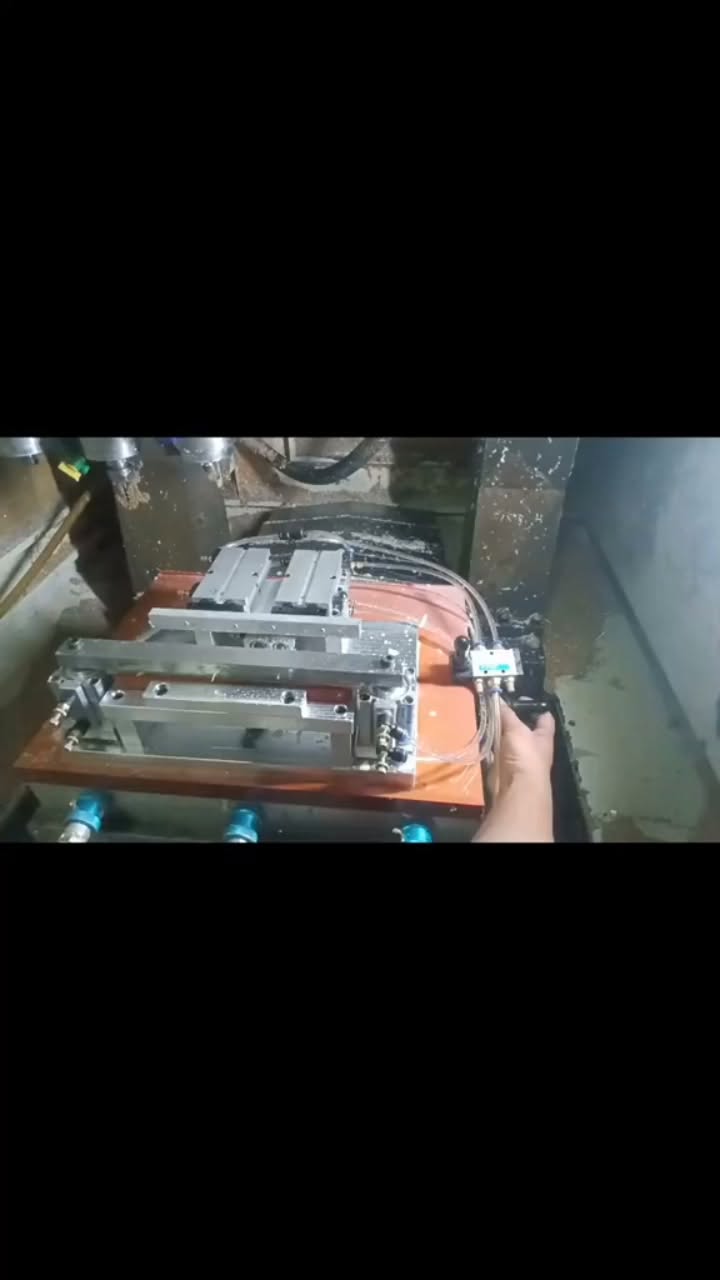
Pneumatic clamping fixture video
See a real video frame and buyer checklist for a long-part machining fixture.
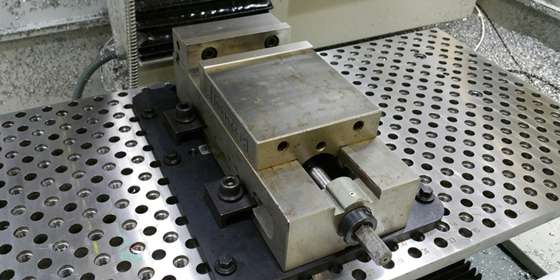
Jigs and fixtures guide
Review the functional distinction between locating, supporting and clamping elements.
Design verification
Connect revision control, DFM questions and acceptance criteria to the released fixture design.
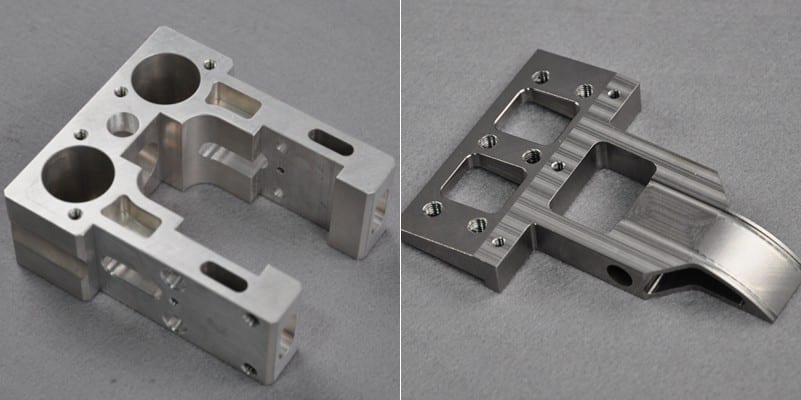
Custom CNC machining
Review the primary route for machined fixture plates, blocks, pins and supporting components.
FAQ
Questions buyers ask before requesting a quote
What is the difference between a jig and a fixture component?
Can a fixture plate, locating blocks and pins be quoted together?
Can Sendot confirm a locating-pin tolerance from the part name alone?
When should a dedicated fixture be considered?
What is needed to validate a fixture?
Quote a jig or fixture component package
Send the assembly model, component drawings, BOM, quantities and validation requirements for a project-specific review.