How to Write an RFQ That Gets an Accurate Machining Quote
TL;DR
A usable CNC machining RFQ gives every supplier the same controlled package: a 3D model, a revision-controlled drawing, material and quantity, finish, critical characteristics, and the evidence you need at acceptance. Mark unknowns instead of letting them become assumptions. That makes a supplier’s questions, engineering review and commercial scope easier to compare before you release an order.
- Define the revision: identify the governing model/drawing and revision.
- Prioritise function: call out only the characteristics that matter to fit, sealing, appearance or assembly.
- Request evidence deliberately: reports and certificates are project requirements, not default deliverables.
An RFQ is not simply a request for a price. It is the controlled source package that lets a supplier review the same part, requirements and commercial assumptions that you intend to buy. This guide helps design engineers and procurement teams prepare a comparable CNC machining RFQ without assuming price, response time, minimum quantity, capability or delivery date.
This page owns the CNC machining RFQ checklist intent. For file-cleanup detail, see how to prepare CAD files for a CNC quote. For the difference between an automated initial estimate and a project quote that needs engineering review, see automated vs engineer-reviewed CNC quotes.
RFQ checklist: the controlled inputs to send
Use the following list as a pre-send check. Include only the requirements relevant to the part, and clearly label any item that is not yet defined.
- Part identity and revision: part number, controlled drawing/model revision, units and quantity by part number.
- 3D model: a neutral solid model or other agreed format for geometry review.
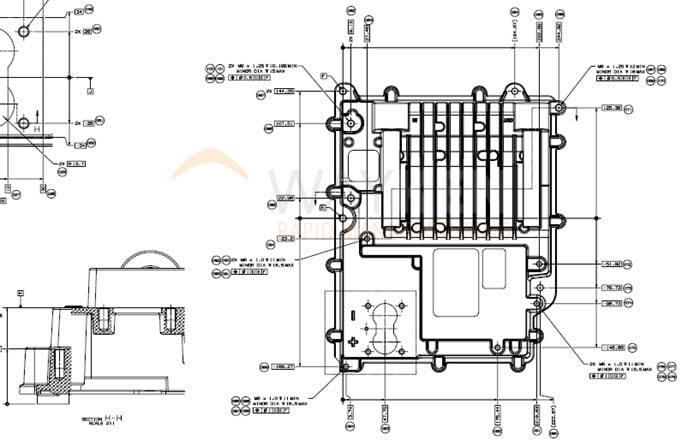
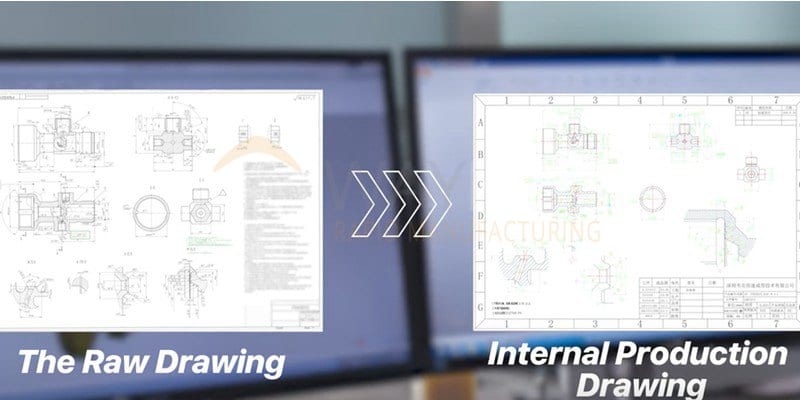
- 2D drawing or complete model-based definition: dimensions, datums, threads, finish notes, critical features and acceptance criteria.
- Material: grade, condition/specification where applicable, and buyer-approved alternatives if any.
- Process and finish: machining route where buyer-directed, coating/finish specification, masking and cosmetic areas.
- Quantity and purchasing context: the current requirement plus any non-binding future-volume context.
- Inspection and records: the requested characteristics, sampling/format and any material or inspection documentation.
- Commercial boundary: target need date, delivery term, packaging needs and the buyer’s acceptance route.
| RFQ input | What to state | Why it changes the review |
|---|---|---|
| Model and drawing | Controlled revision and governing source | Aligns geometry with product-definition requirements. |
| Material and finish | Exact requirement and approved alternatives | Sets the purchasing and process scope for review. |
| Critical characteristics | Functional dimensions, datums, threads, surfaces and cosmetic zones | Separates acceptance priorities from nominal geometry. |
| Quantity and date | Current quantity, planning context and target date | Lets the supplier assess the request against stated project constraints. |
| Inspection and records | Requested evidence, method or format where defined | Keeps documentation subject to the drawing and agreed order. |
Model only vs a controlled RFQ package
Useful for a geometry conversation, but revision, material, tolerances, finish and acceptance evidence may be unresolved.
Pairs geometry with buyer-approved product definition and commercial boundaries so open questions can be identified before quoting.
The distinction follows the product-definition principle described by ISO 1101 and ASME Y14.5: geometric requirements need an explicit, interpretable definition. Choose the standard and revision that govern your drawing; this article does not replace either standard.

How to prepare and compare the RFQ
Name the revision and remove superseded files.
Identify what requires project review.
Keep files and assumptions consistent.
Compare scope, exclusions and review questions.
When replies arrive, compare the stated material, finish, inspection package, delivery basis and exclusions—not the headline figure alone. Supplier feedback can identify manufacturability risks or alternatives, but the buyer retains final design release, deviations and acceptance approval.
Inspection, documentation and change control
Request inspection reports, material records, first-article evidence or other deliverables only when they are relevant to the project, and identify the required characteristics and format. Availability, method and report content should be confirmed against the drawing and agreed per order. If the drawing changes, issue a new controlled revision and ask the supplier to assess the impact before proceeding.

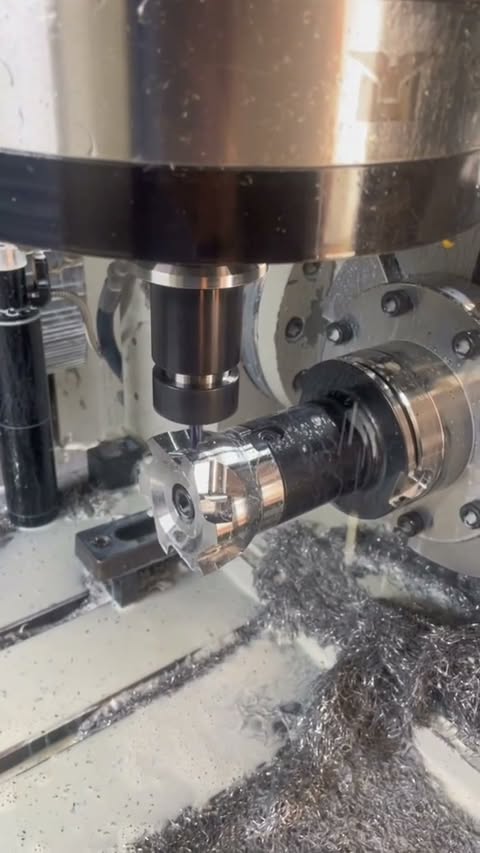
Watch the CAD-to-part workflow
Before you request a quote
Upload the model and drawing with the required material, quantity, finish, critical characteristics and documentation needs. Where an item is unsettled, say so and request project review rather than treating an estimate as final design approval.
Frequently asked questions
Is a 3D model enough for a CNC machining RFQ?
Should an RFQ include a target delivery date?
Do inspection reports come with every order?
How can I compare CNC quotations fairly?
Can supplier DFM feedback change my design automatically?
Manufacturing next step
Apply this guidance to your part
Continue to the relevant service page for process scope and buyer inputs. If your design is ready, send the current files for engineering review and quotation.
Related manufacturing resources
Continue with the process or project stage most relevant to this topic: