CNC Quote File Formats: CAD, Drawings & Revision Control

TL;DR
For a CNC quote, provide a neutral 3D solid model for geometry review and a controlled drawing or complete model-based definition for requirements that affect acceptance. A STEP file is commonly used for neutral 3D exchange; PDF/DWG/DXF can support drawing communication where appropriate. The governing revision, units, material, quantity, finish and critical requirements matter as much as the extension. Confirm usable files against the project before treating any upload as final.
- 3D model: supports geometry and manufacturing review.
- Controlled definition: carries tolerances, datums, notes and acceptance requirements.
- Revision control: prevents an obsolete file from becoming an unstated assumption.
This page owns the CNC quote file formats intent. It does not promise that every format is accepted or that a particular format creates an automatic quote. For the complete RFQ package, see the machining RFQ checklist; for drawing-led DFM and project quoting, use Request a Quote.
Which files serve which job?
File choice depends on the process, the buyer's product-definition method and the supplier's project review. The table is a planning aid, not an acceptance list.
| File or package | Best role in a CNC RFQ | What still needs control |
|---|---|---|
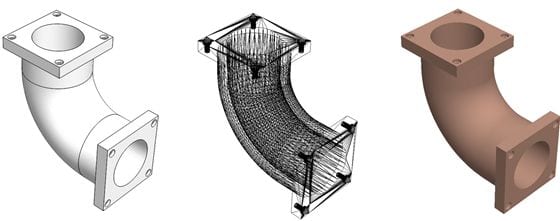
| Neutral 3D solid model, such as STEP | Geometry, feature and tool-access review | Revision, units and any requirements not carried in the usable model definition. |
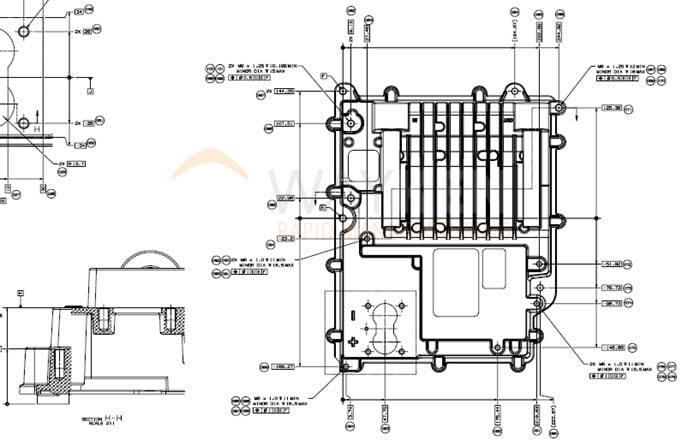
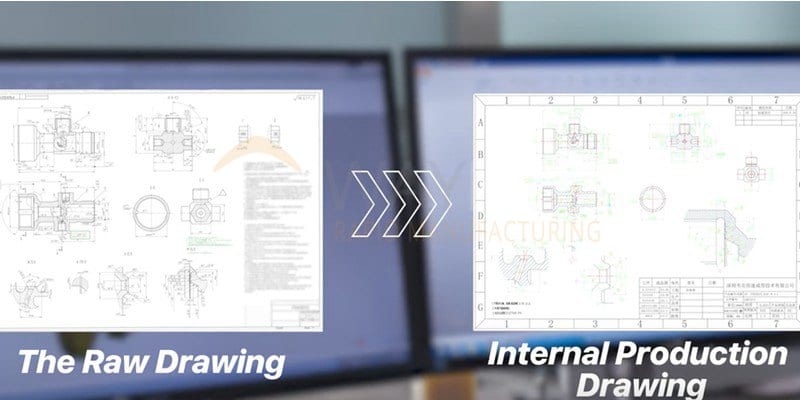
| 2D controlled drawing, such as PDF | Dimensions, datums, threads, finish notes and critical characteristics | Its relationship to the model and the governing revision. |
| DWG or DXF drawing data | Editable/2D geometry communication where appropriate | Dimensions, layers, units and which document controls acceptance. |
| Native CAD file | Additional context where a supplier confirms it is usable | Version compatibility and a neutral fallback file. |
| Mesh file, such as STL | Reference geometry or a process-specific discussion | Whether it is adequate for the required CNC review; do not infer exact product definition from a mesh. |
3D model vs controlled drawing: a visual comparison
- Communicates nominal shape and feature context
- Supports geometry and access review
- May not visibly carry every datum, tolerance, finish or inspection requirement
- Identifies product-definition requirements
- Connects critical characteristics to a revision
- Provides the buyer's acceptance intent for supplier review
STEP refers to ISO 10303, the international standard family for exchange of product-model data. ISO's overview of STEP describes the exchange role. For geometric definition, consult the applicable ISO 1101 or ASME Y14.5 requirements; this page does not replace those standards.
Revision-safe file-preparation workflow
Part number, revision, units and governing source.
Neutral 3D model and drawing/MBD package.
Confirm files open and revisions agree.
Add material, quantity, finish and evidence needs.
- Use one unambiguous part number and revision identifier across the model, drawing and RFQ.
- Include the units and identify which document or model-based definition governs if files differ.
- State material, quantity, finish, critical characteristics and required records with the files.
- Remove or clearly mark superseded versions before submission.
- Resolve a supplier's file-read, geometry or definition question before buyer design release.
What not to assume from a file extension
A familiar extension does not prove that a file contains the required geometry, units, revision or semantic product definition. A mesh may be useful for reference but should not be treated as a controlled substitute for exact requirements. Likewise, a model can support a preliminary geometry conversation while the drawing or complete model-based definition carries the buyer's final acceptance intent.

Watch the CAD-to-part workflow
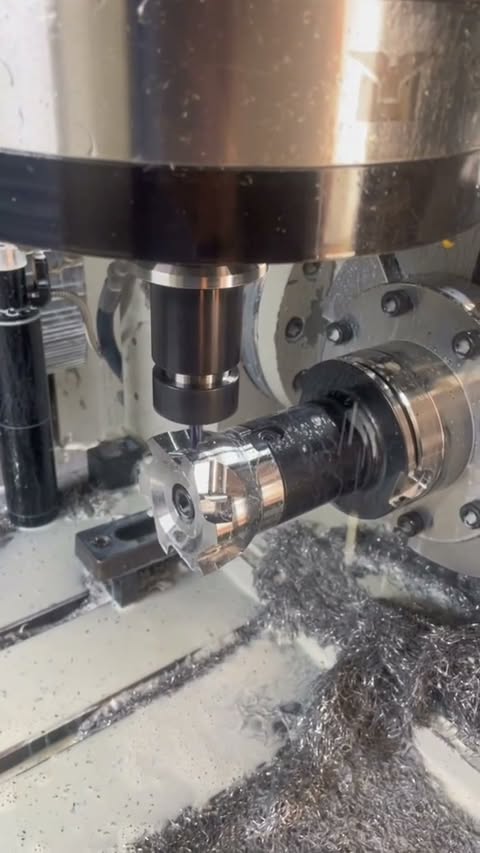
Upload CAD for DFM and quote review
Upload the model and controlled drawing with the current revision, material, quantity, finish, critical characteristics and inspection/documentation needs. Sendot can review the supplied package; usable formats, DFM feedback, price, schedule and deliverables are confirmed per project and agreed order.
Frequently asked questions
What is the best file format for a CNC quote?
Do I still need a 2D drawing with a STEP file?
Can I send a native CAD file?
Is an STL file enough for CNC quote review?
What else should accompany CAD files?
Manufacturing next step
Apply this guidance to your part
Continue to the relevant service page for process scope and buyer inputs. If your design is ready, send the current files for engineering review and quotation.
Related manufacturing resources
Continue with the process or project stage most relevant to this topic: